
SnapMosaic 2.0 · Photo privacy
Your photo.Your rules.
Hide private details before you share. Smart detection and precise control, on your device.
 Get it on Google Play
Explore the tools
Get it on Google Play
Explore the tools 
Android · No account required
On-device photo editing
Private details.Personal control.
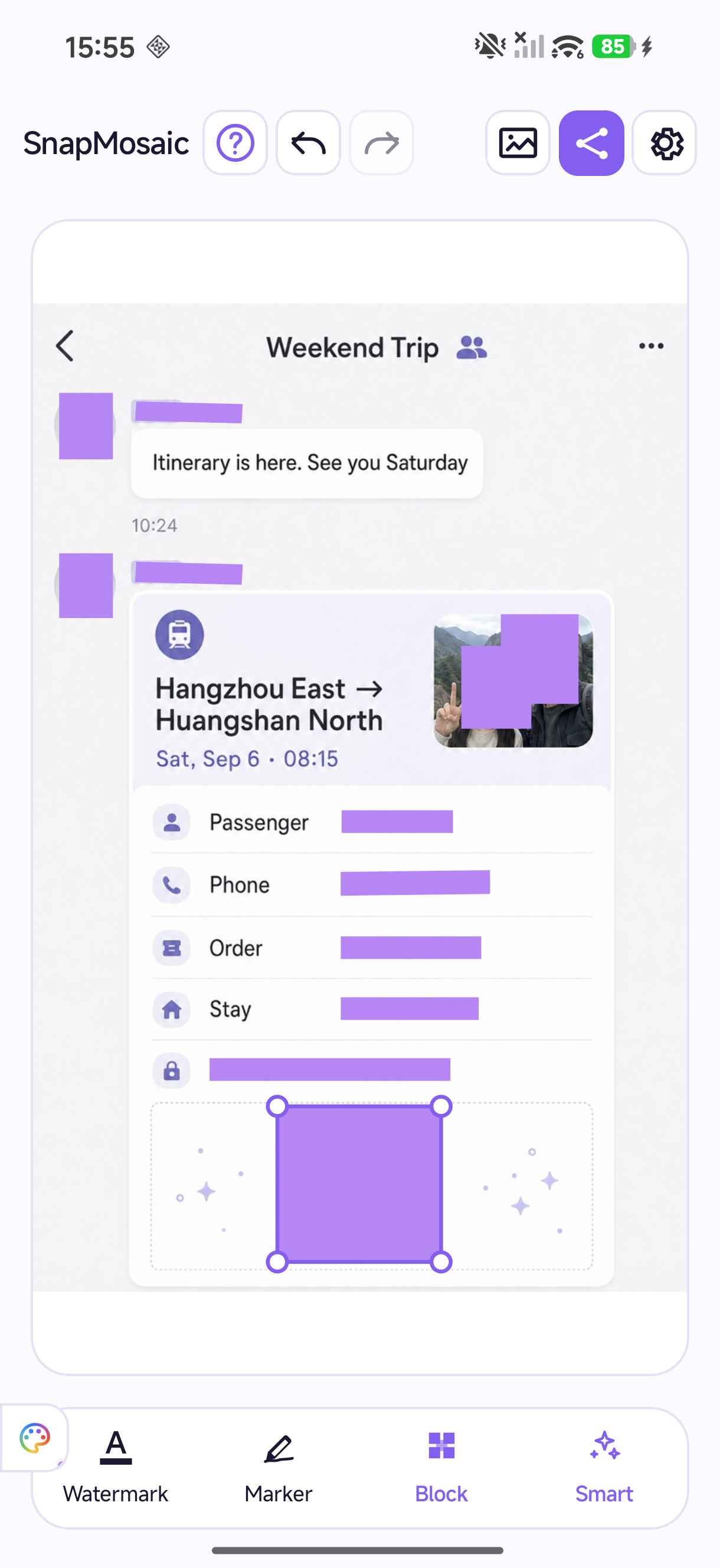
Your selected photos stay on your device for editing. Review each mask, adjust the result, and share when you are ready.
How privacy works
Features
A thoughtful touch. Every detail.
Only hide what you choose.
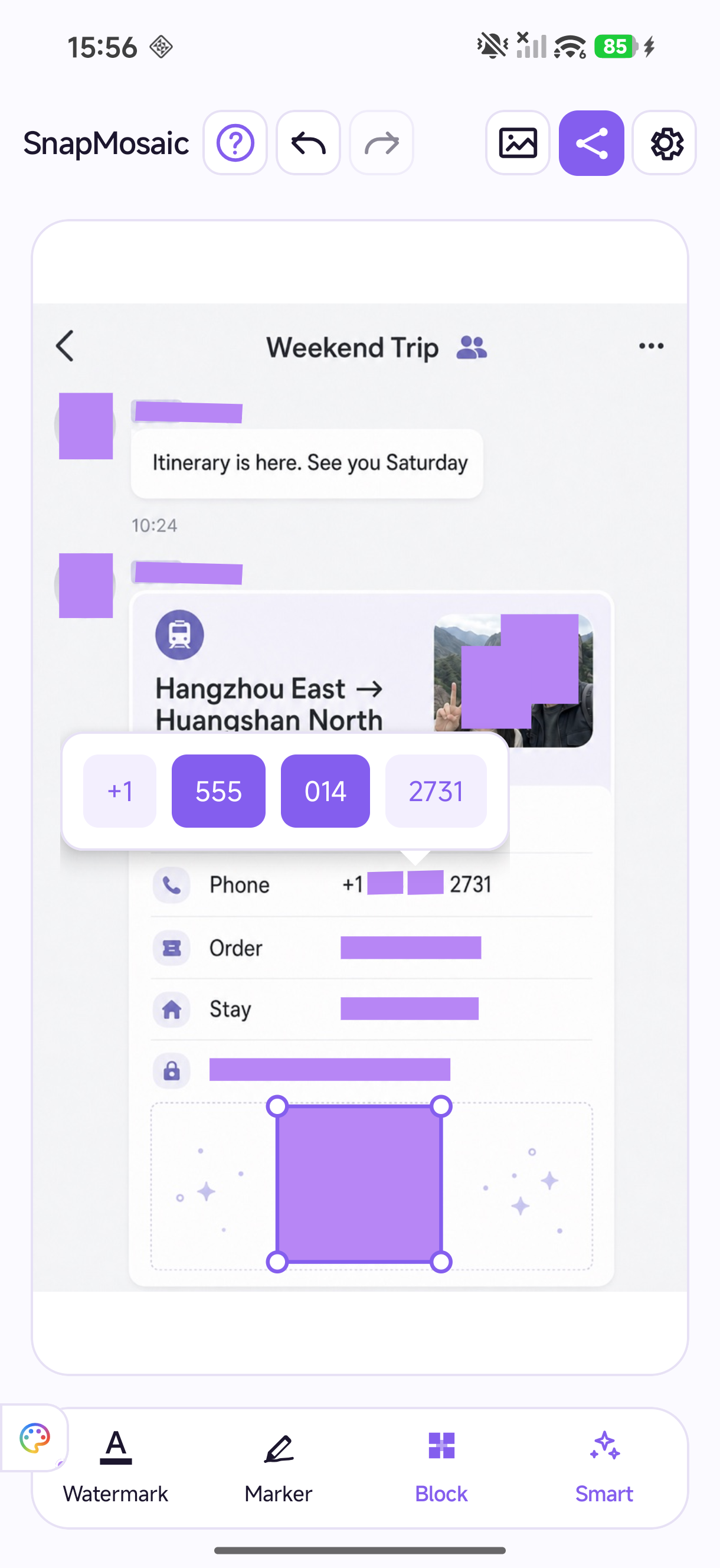
Long press a detected line. Select just the words to hide, and keep the rest readable.
Hide faces. Keep the smiles.
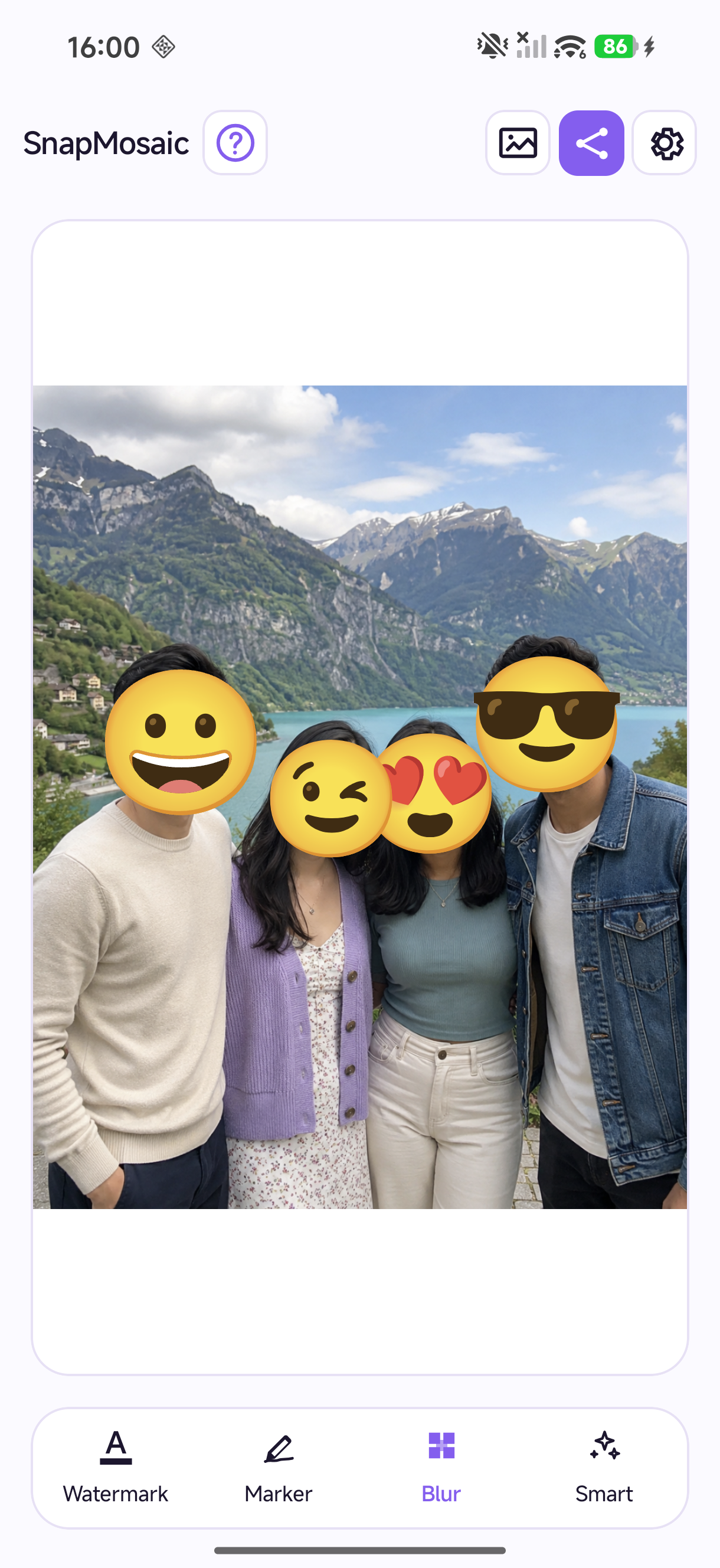
Cover detected faces with emoji stickers. Choose a different expression for each face and keep the mood of a group photo.
Choose how to cover it
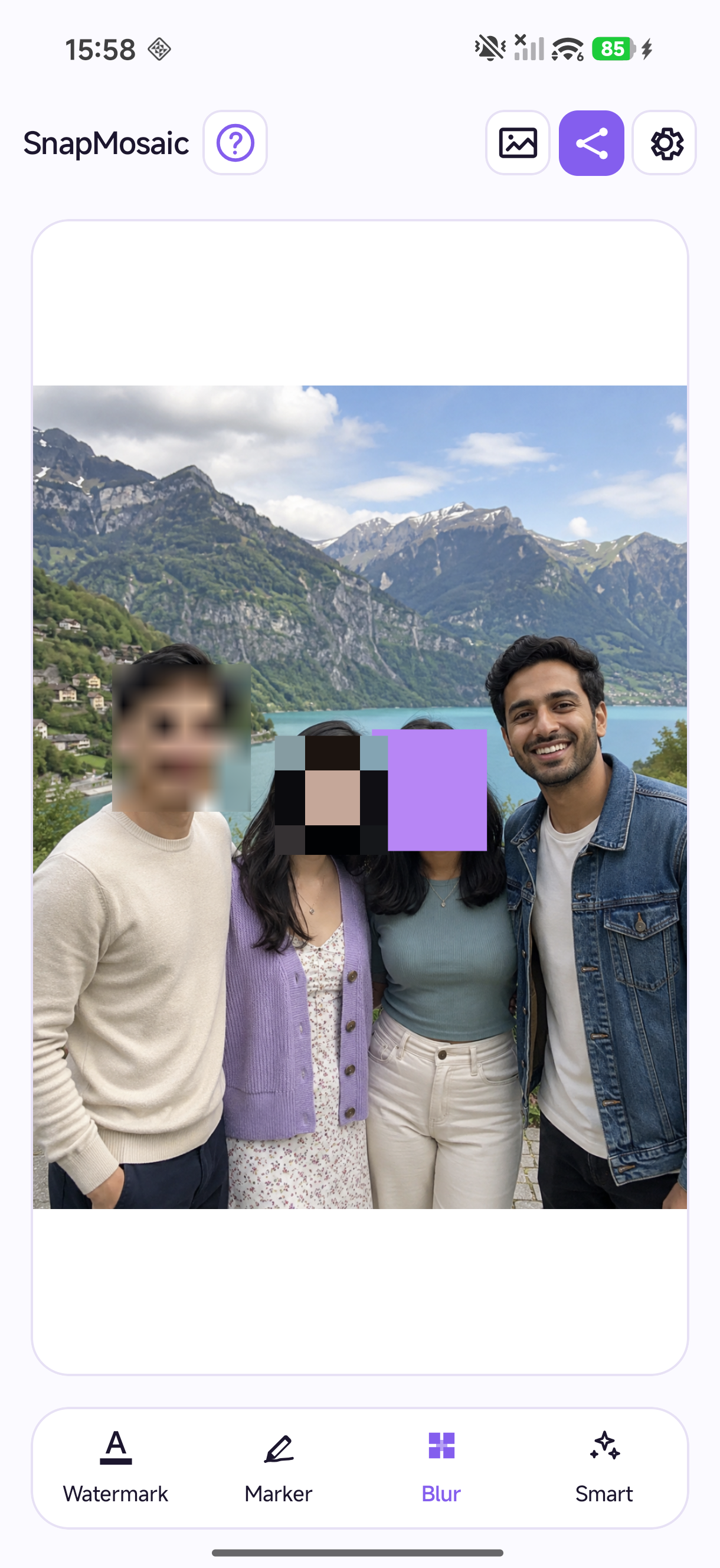
Use mosaic, blur or a solid block, with a different effect for each area. Draw with a brush or shape, adjust the effect, zoom in for detail, and undo or redo your edits. Use the marker to highlight what you want people to notice.
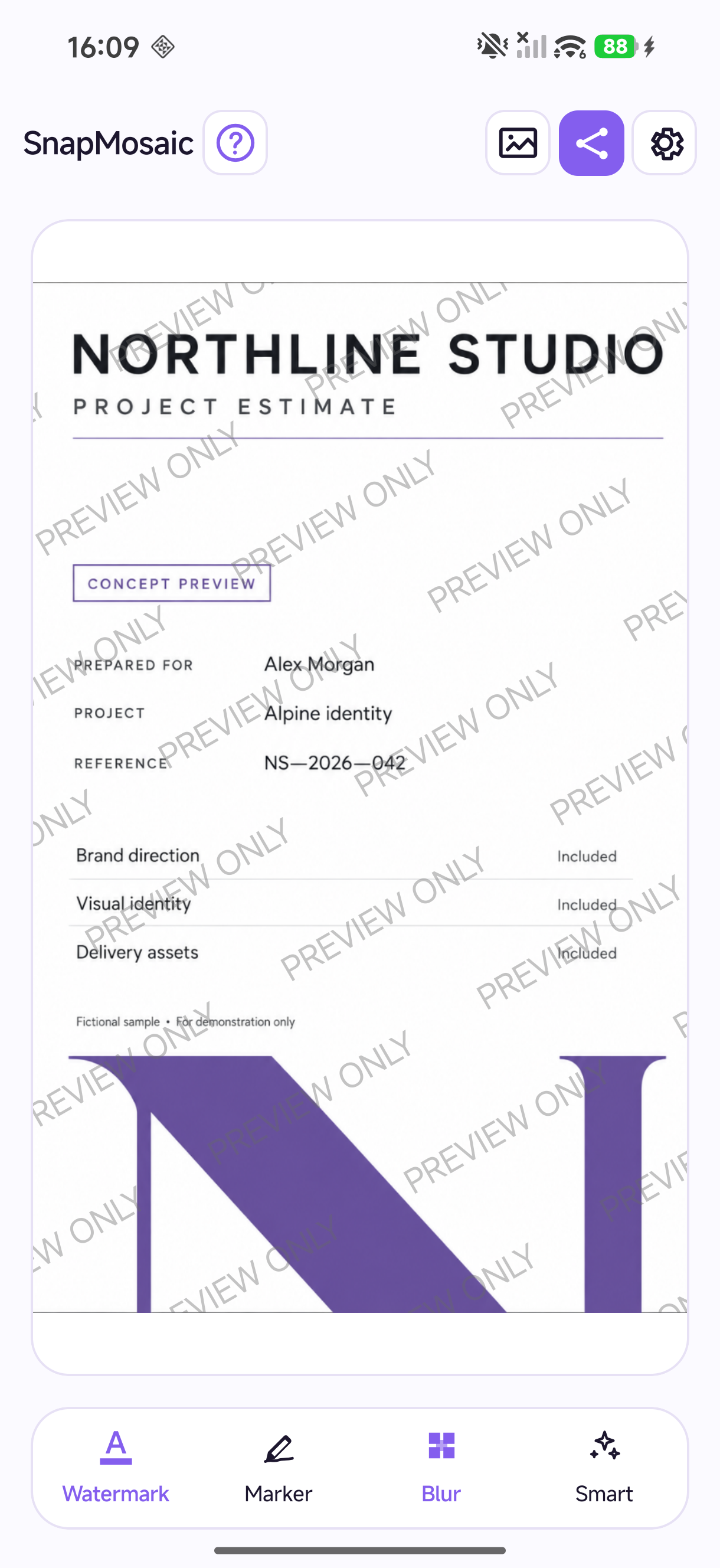
Add your own text watermark
Place a repeating text watermark across your image to state its purpose or intended use. Customize the text, color, opacity, size, angle and spacing.
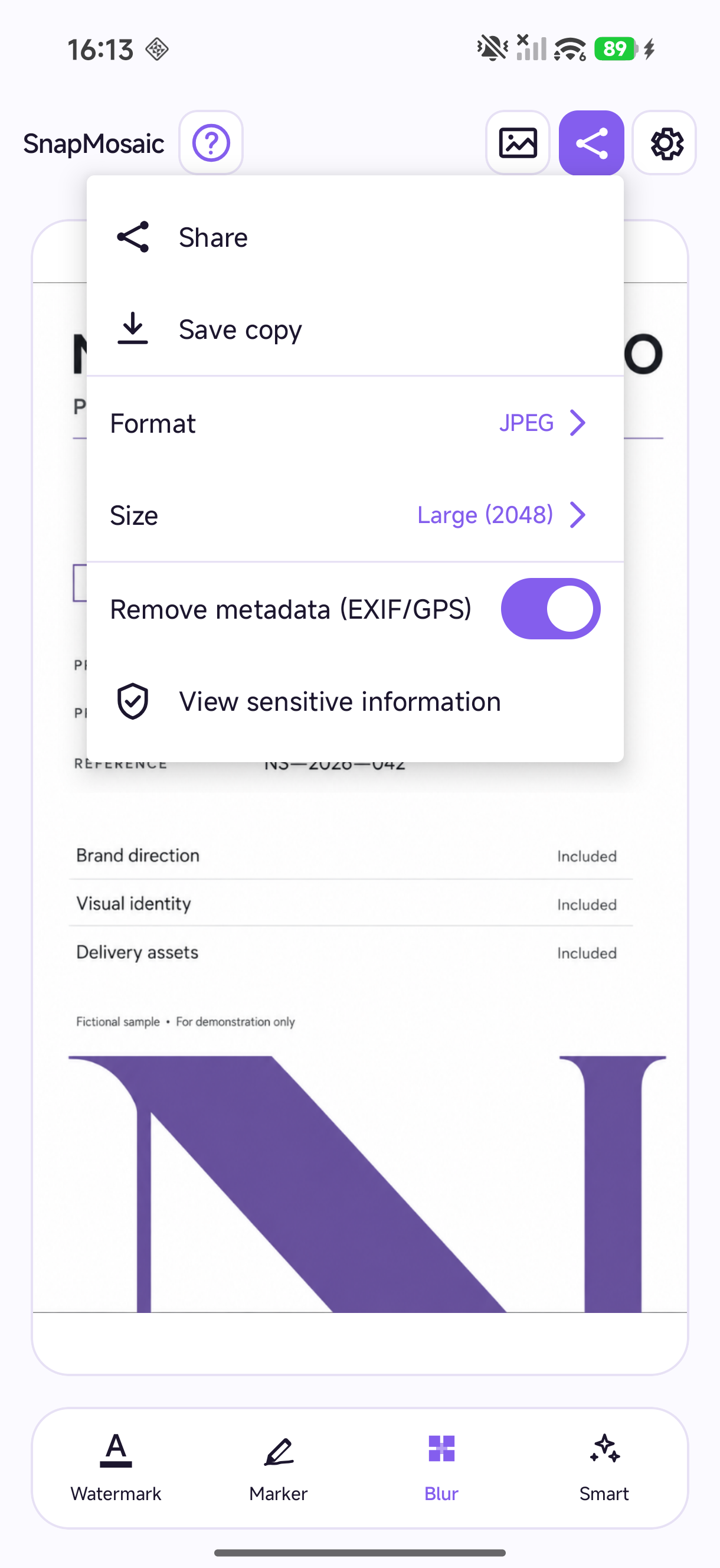
Save and share with control
Export as JPEG, PNG or WebP. Choose an output size, save a new image or share through Android. Remove EXIF and GPS metadata at export to keep location details out of the shared file.
Is SnapMosaic free to use?
Photo editing tools are free to use, and free exports include a SnapMosaic brand watermark by default. An optional one-time Pro purchase removes that brand watermark and in-app ads.
Are my photos uploaded for editing?
No account is required. Your selected photos are processed on your device and are not uploaded to SnapMosaic servers for editing. Ads, purchases and supporting services may use a network connection; see the privacy policy for details.
How do I restore my Pro purchase?
Use the Google Play account you purchased with, then open the Pro page in SnapMosaic settings and choose Restore purchases. An active purchase removes the SnapMosaic brand watermark and in-app ads.

Ready when you are.
A little privacy, before your next share.
Get it on Google PlayPhoto editing tools are free. Pro is optional.